


Instant status
See where your case stands, what comes next, and what we need from you — without waiting on a callback.
For current clients
Introducing the Brock & Stout Case Status app — 24/7 access to case updates, secure messages, documents, and tasks in one place.
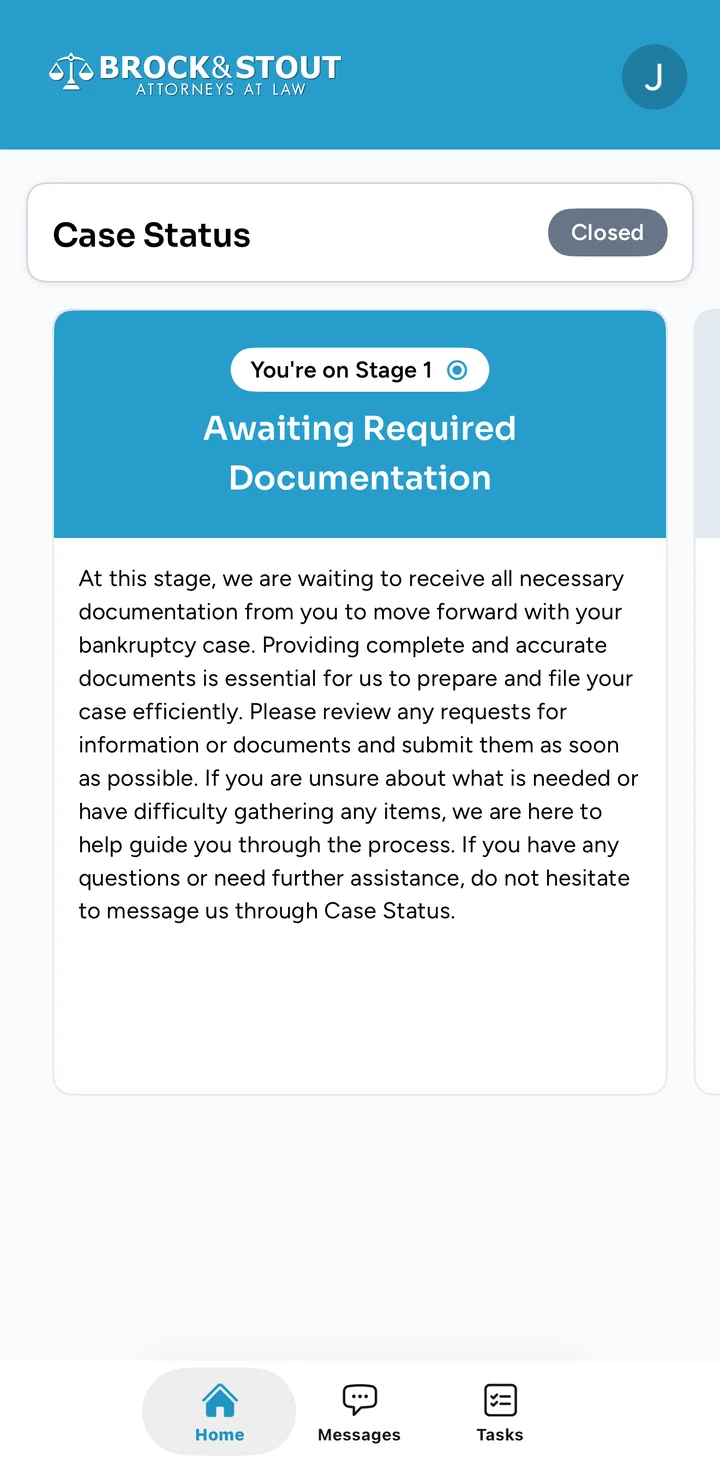
One branded app for your Brock & Stout case. Check status, talk with your team, and send files without playing phone tag.
See where your case stands, what comes next, and what we need from you — without waiting on a callback.
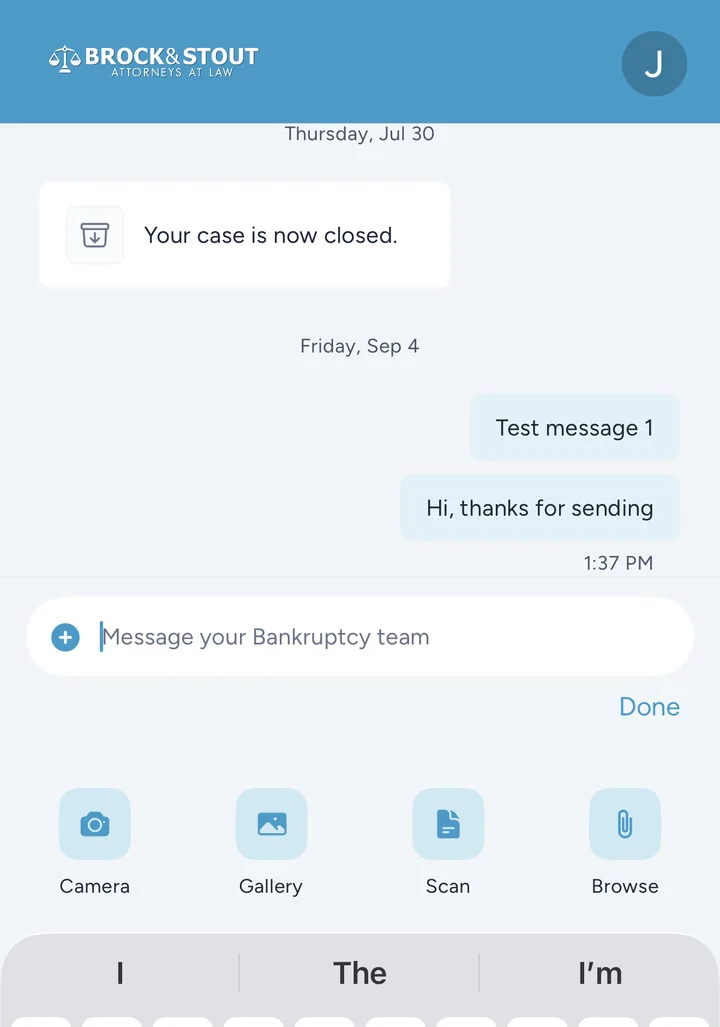
Send your case manager a message any time in one secure thread. Updates and replies stay with your case instead of being scattered across texts and email.
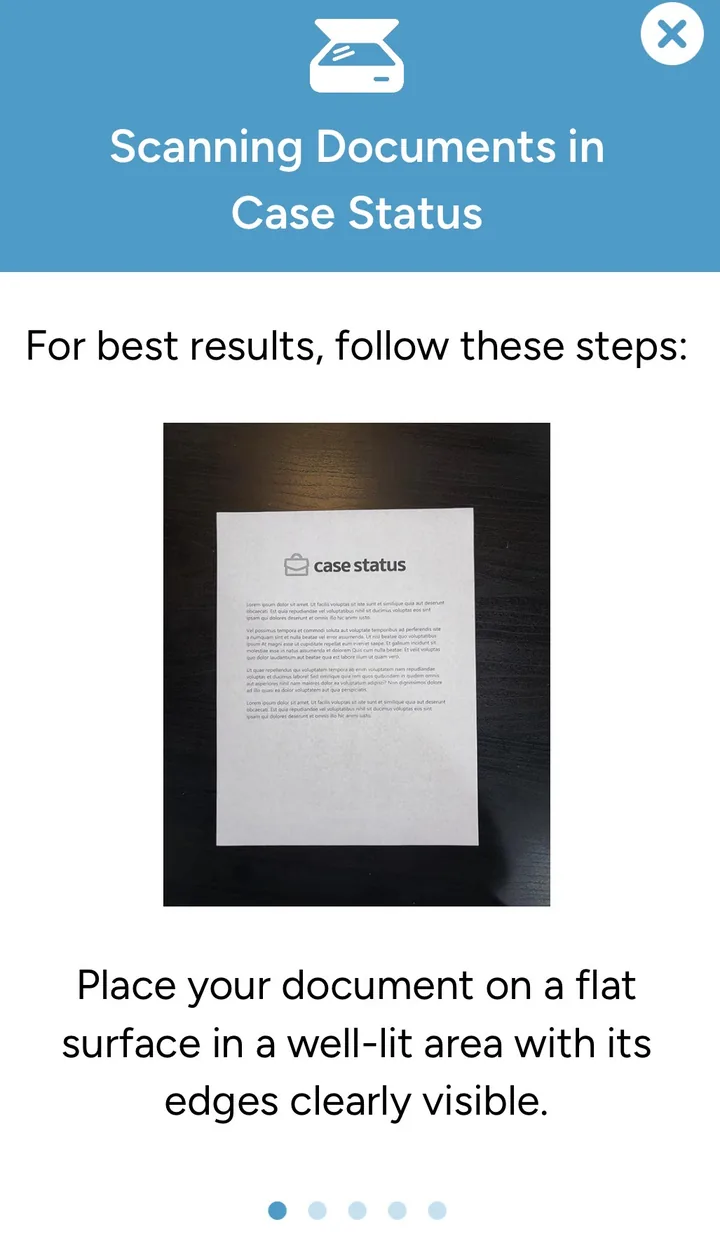
Scan, photograph, or upload files from your phone. Receive papers from our office the same way — encrypted, in one place.
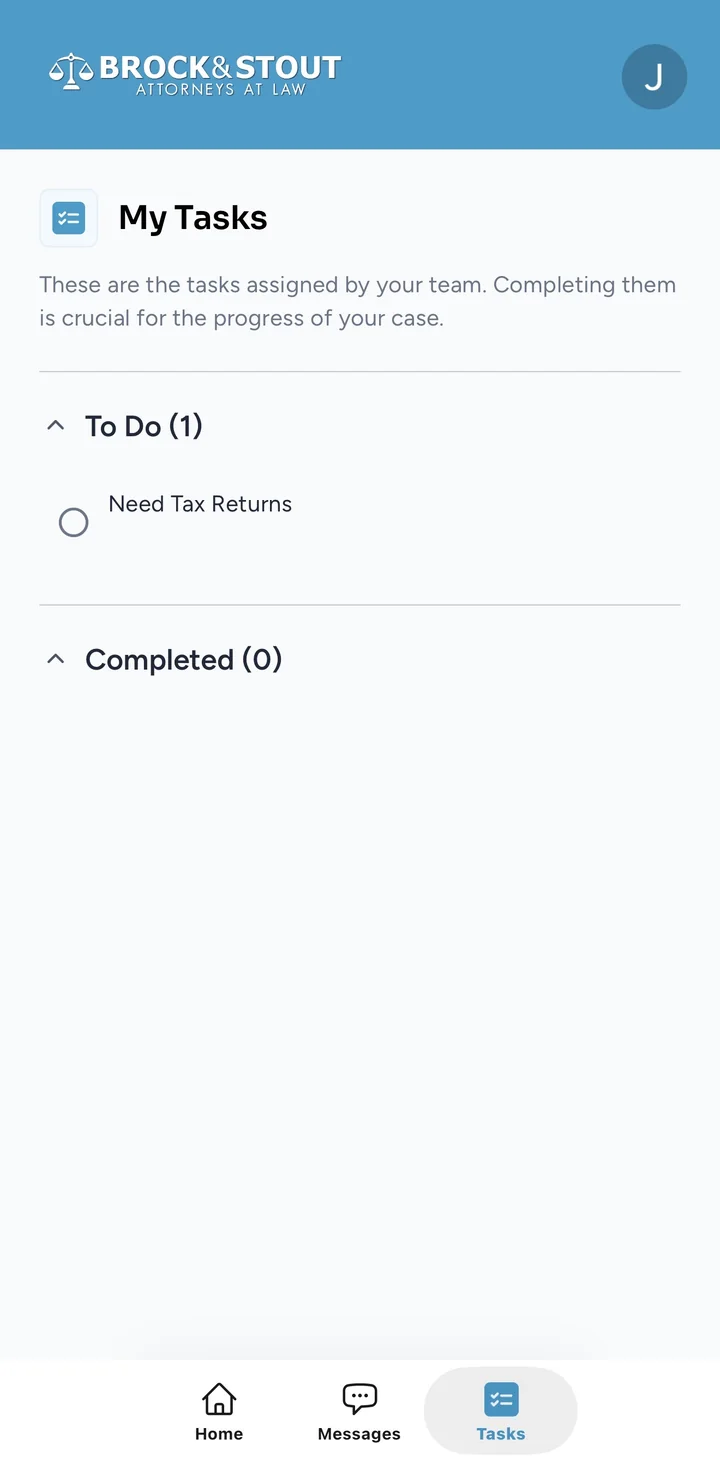
Tasks tell you exactly what is still needed so nothing sits waiting without you knowing.
Stay on track
See exactly what we need so your case can move forward.
Send files securely
Camera, gallery, scan, or browse — documents go straight to your case team.
Not in the app yet?
If you are a current client and have not opted in, ask us to turn Case Status on for your case. Request access, download the app, and you will be up and running within minutes after activation.
You should receive a text from Case Status on behalf of Brock & Stout within 24–48 hours.
Already have access?
Put Brock & Stout Case Status on your phone. The download page sends you to the App Store or Google Play.
Download the Case Status appPrefer a computer? Open the Case Status web portal with the same secure, no-password sign-in.
Log in to Case StatusRequest access with the form on this page. Tell us your name, phone, email, and case type. You should receive a text from Case Status on behalf of Brock & Stout within 24–48 hours. Download the app, and you will be up and running within minutes after that text arrives.
Use Download the Case Status app for iPhone or Android, or Log in to Case Status on the web. You will sign in with a code sent to your phone — no password to remember.
See where your case stands, message your case manager, send and receive documents securely (camera, scan, or files), and complete tasks we assign so your case can move forward.
This page is for current Brock & Stout clients. If you need to start a case, call us or visit our Contact Us page for a free consultation.